
WEBSITE DESIGNING
What to Consider in Final Website Design Tweaks for a Shopify Website
When you're at the final stage of launching or refining your Shopify store, the small design details can make a big difference. These finishing touches ensure your site is not only visually appealing but also user-friendly, functional, and aligned with your brand. Whether you're aiming for a custom website design, working with an affordable website design service help, or managing your store through a cheap website design deal, here’s what you should consider before going live.
EXPERT WEBSITE DESIGN TEAM
1. Brand Consistency and Visual Appeal
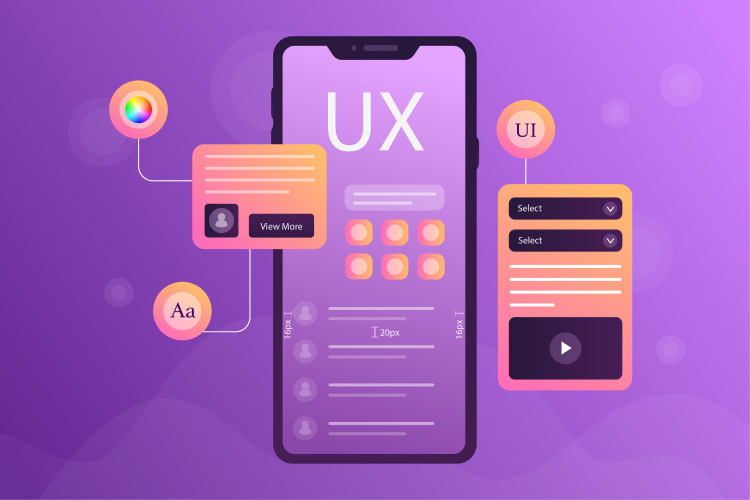
Double-check that your fonts, colors, logo placement, and image styles are consistent throughout the site. A unique website design should reflect your brand identity in every section—from homepage banners to product pages and checkout.
2. Mobile Responsiveness
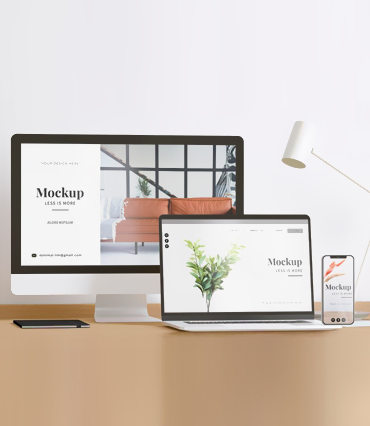
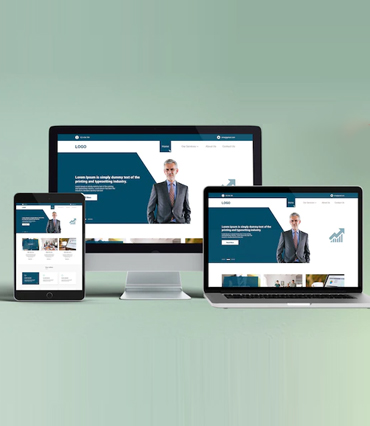
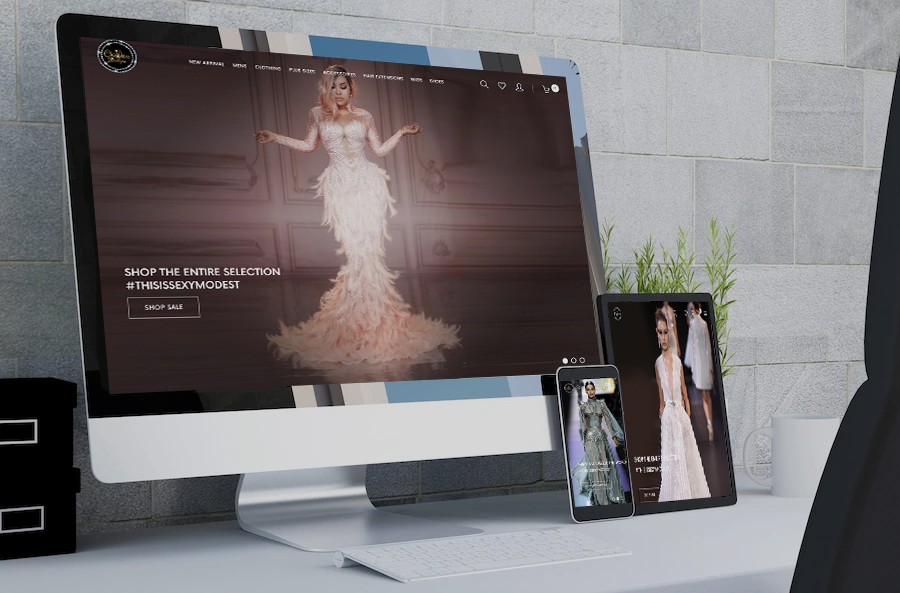
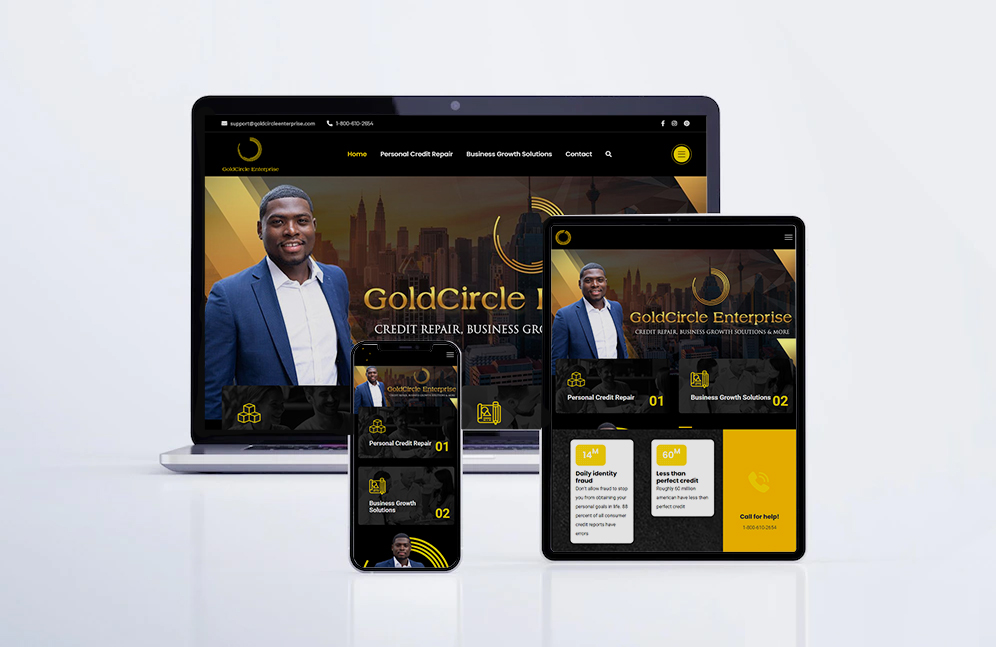
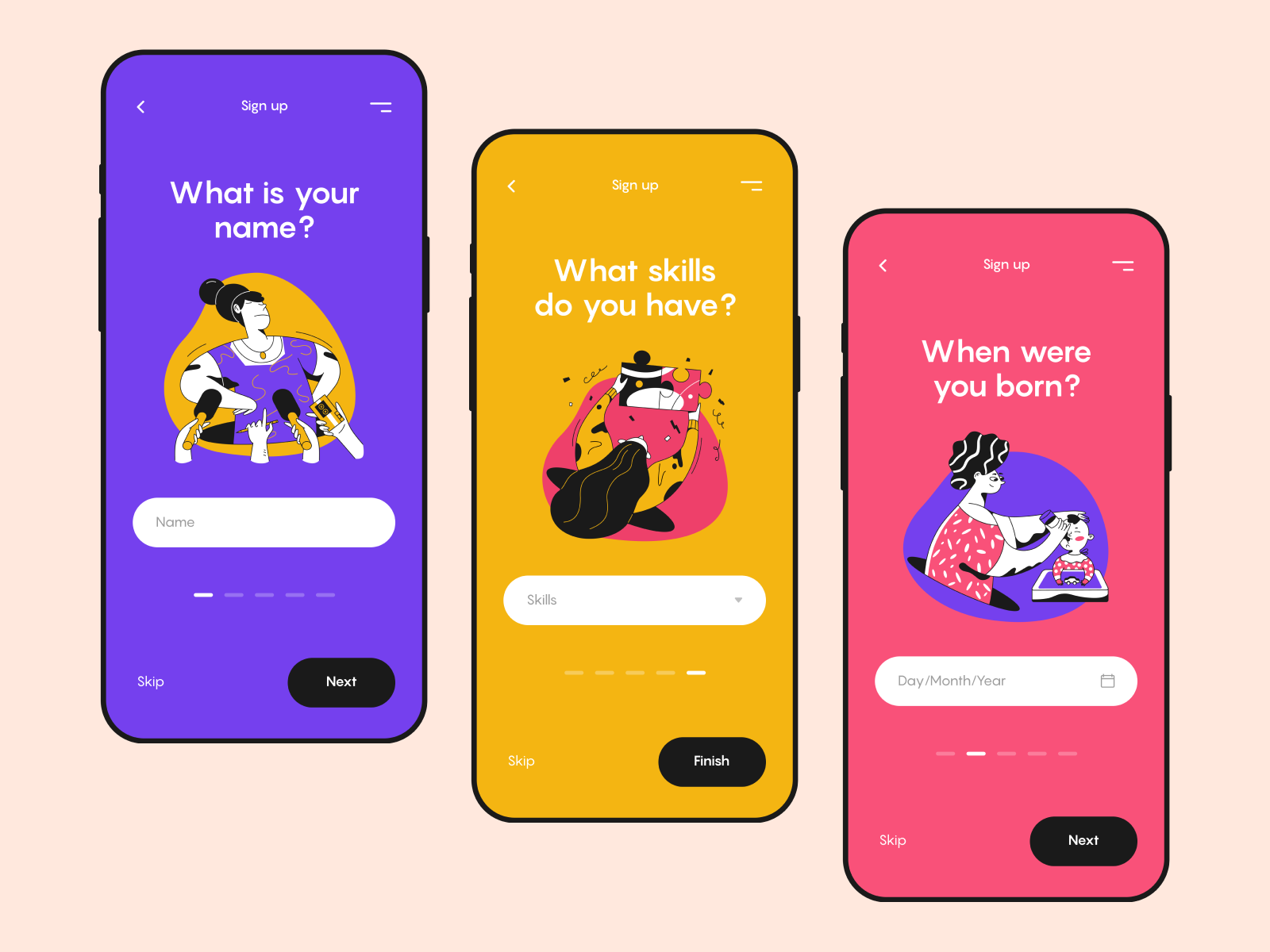
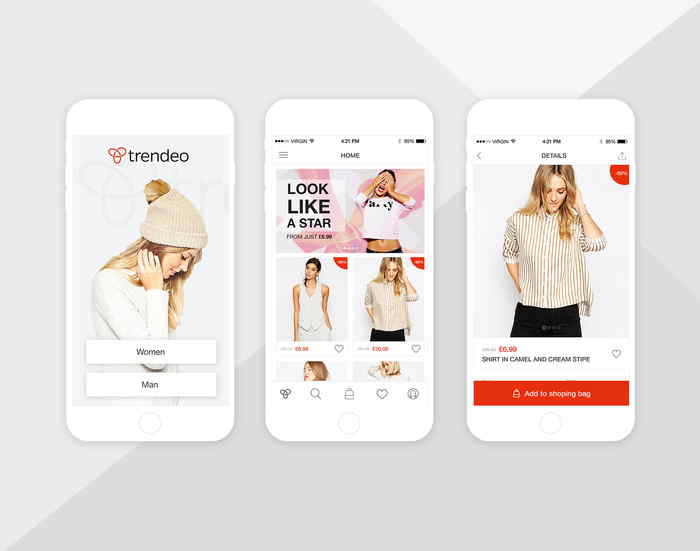
Most Shopify traffic comes from mobile devices. Test your entire site on different screen sizes to ensure elements aren’t cut off, navigation works smoothly, and buttons are easy to tap. Even the best website design needs to function flawlessly on smartphones and tablets.
3. Navigation and User Flow
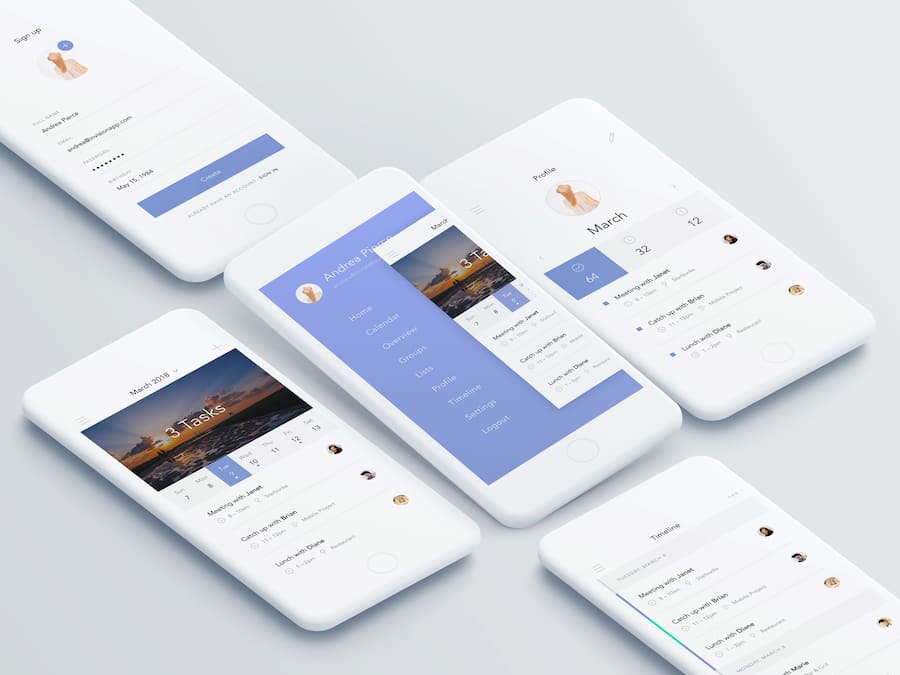
Make sure your menus are clear, categories are well-structured, and users can easily find what they need. Add a visible search bar and ensure filters are working properly on product listing pages. Smooth user flow helps convert visitors into buyers—crucial for anyone looking to buy website design service that actually performs.
4. Product Page Optimization
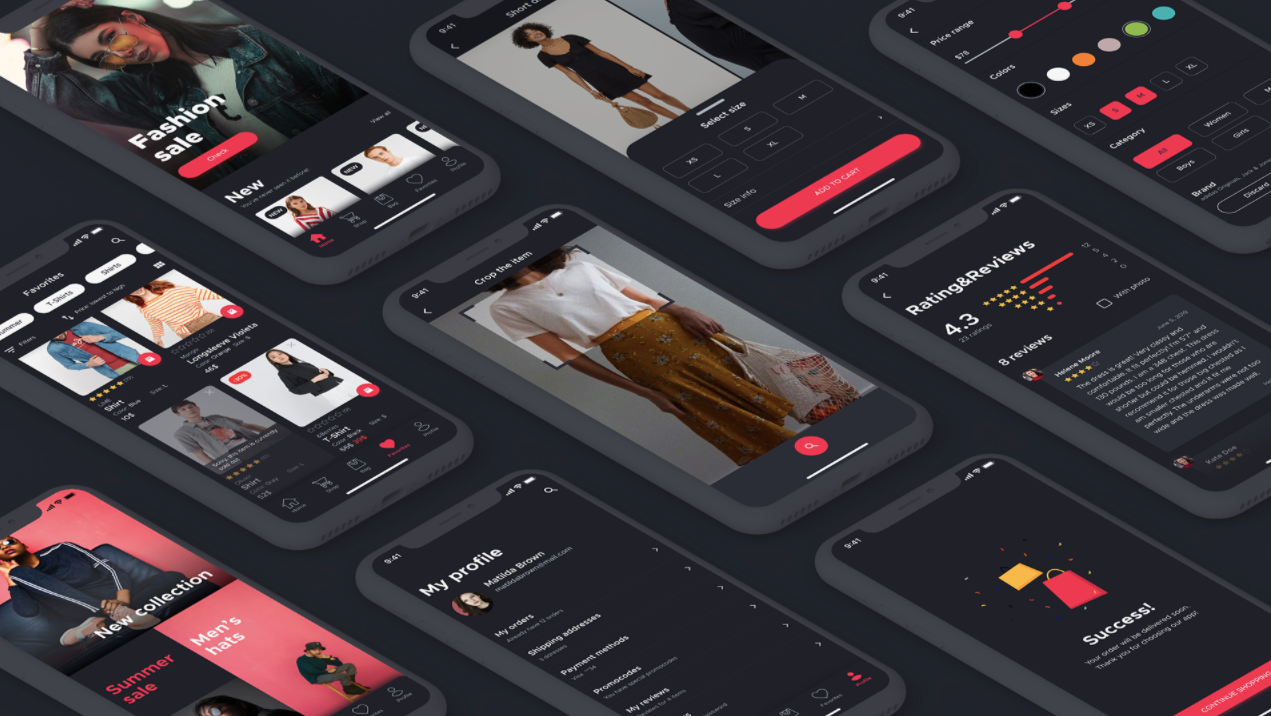
Refine product titles, descriptions, and images. Use high-quality visuals with zoom features, display real customer reviews, and include trust-building icons (e.g., free shipping, secure checkout). A polished product page is key to custom website design success.
5. Checkout Experience
Test the checkout process yourself. Remove distractions, reduce the number of steps, and ensure auto-fill features work. Shopify allows for customizations here, and even small tweaks can make your website design service online more conversion-friendly.
6. Trust and Legal Elements
Add visible links to Privacy Policy, Returns Policy, and Terms of Service. Show secure payment icons and customer guarantees. These small additions make your best website design feel reliable and safe for buyers.
7. App Integration and Functionality
If you're using apps for reviews, email popups, or loyalty programs, make sure they blend naturally with the overall design. Avoid visual clutter by customizing app layouts to match your custom website design theme.
Conclusion
Final website design tweaks in Shopify aren’t just about visual details—they’re about fine-tuning the user experience, building trust, and encouraging conversions. Whether you’re working on a unique website design, using a website design service online, or finalizing your project under a cheap website design deal, these considerations ensure your store is polished, professional, and ready to succeed.